
Love, remembered in little ways
How to choose a photo for a custom pet portrait
Choose the expression you recognize, then check the eyes, markings, and original file. A simple way to prepare photos that show what makes your pet themselves.
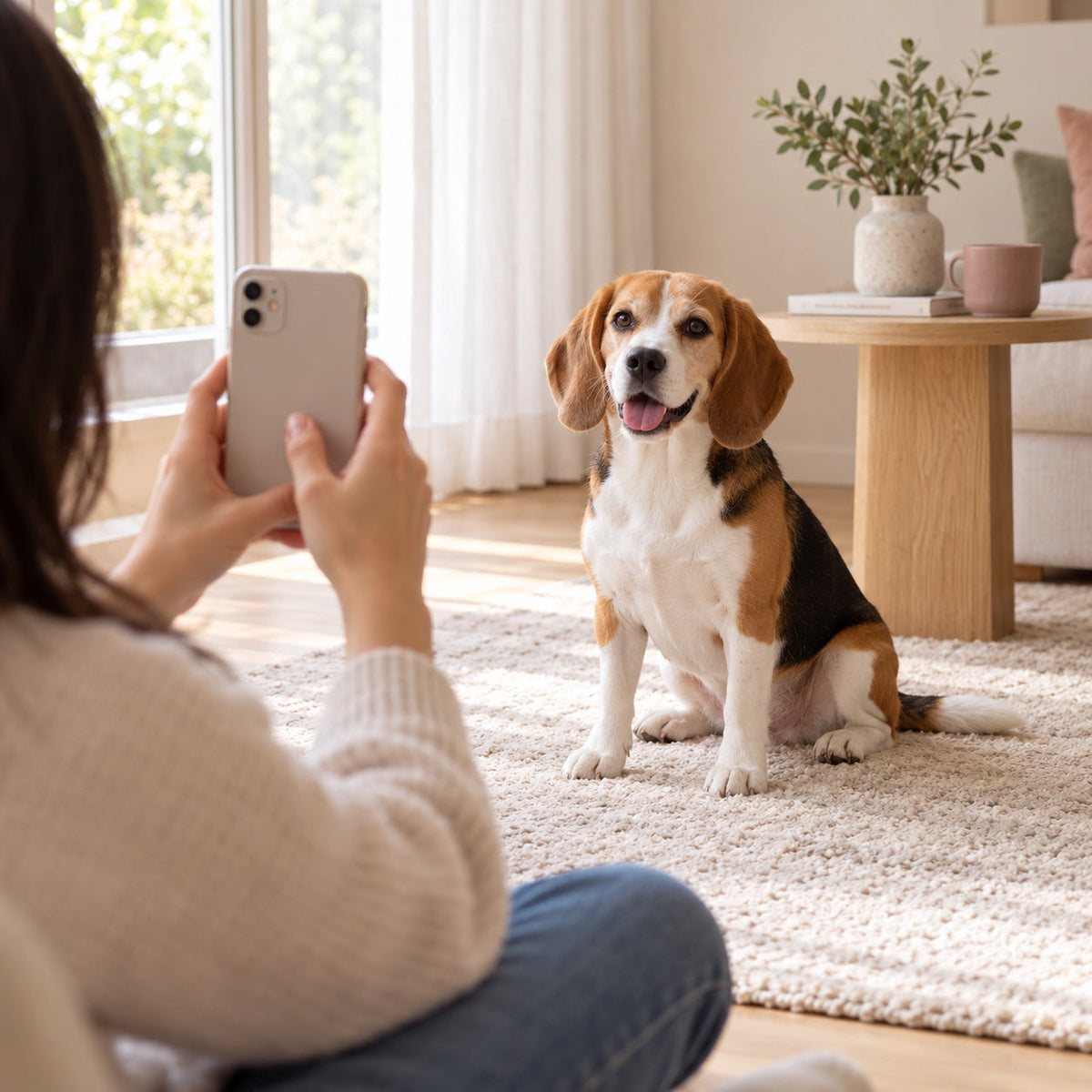
You may have hundreds of pet photographs and still hesitate when it is time to choose one for a portrait. The sharpest image is not always the one that feels most like them. The favorite image may hide an ear or leave their eyes in shadow.
Start by separating two questions: which expression do you want to keep, and which pictures show the details clearly? One main image and a few useful references can answer both.
This guide is about helping an artist understand your pet, whether the portrait is for a birthday, a gift, or a quiet place at home.
Choose the expression before the background
Look for the face you recognize: the relaxed mouth, the curious head tilt, the serious look they give you from the sofa. Pick a main reference for that expression and tell the artist why you chose it.
A beautiful garden is less useful if your pet is a tiny shape at the edge of the photograph. Equally, a plain kitchen background does not make a clear, familiar face a poor reference.
For a gift, ask someone who knows the pet which picture feels right. You can keep the finished design a surprise while making sure you have a photograph they would be happy to share.
Check the face at a larger size
Open the photo and zoom in enough to inspect the eyes, nose, and fur. Are they genuinely clear, or did they only look sharp as a small thumbnail? Check that important features are not hidden by a hand, toy, or deep shadow.
Adobe's animal photography guide recommends clear eyes, attention to light, and getting down to the animal's level. Those principles are useful when taking a new reference picture too.
Leave a little space around the ears and head. If a portrait will show more of the body, include photographs of the chest, legs, and markings rather than asking the artist to guess what sits outside the frame.
Use soft light and a comfortable moment
Try a familiar place near a window when your pet is already relaxed. A simple background can help you see their outline. Move yourself to a useful angle, and let them leave whenever they want.
Check both very dark and very pale areas of fur: you want visible detail, not a featureless patch. If the light is too harsh, try another position or another time rather than adding a strong filter afterward.
There is no need for costumes, repeated commands, or a long session. A few natural photographs are more useful than continuing after your pet has had enough.
Send the original, with helpful extra views
Keep the original file from the camera or phone. A screenshot of a social post can include text, cropping, or lost detail. Where possible, share the original rather than a copy that has been repeatedly saved and forwarded.
Choose extra references for a reason. One might show the eye color in clearer light; another might show a white chest patch hidden in the main photo. Label which image supplies the expression and which supplies a detail.
Avoid heavy beauty filters, artificial fur smoothing, or generated replacements for missing features. An altered image may look convincing while changing the very thing the portrait is meant to preserve.
If you only have older or imperfect photographs, keep them as they are and ask what is feasible. Do not assume that an artist can recover detail that was never captured.
Add a short note in your own words
You know details a stranger may overlook. A useful brief might include:
- The photograph you want used as the main reference.
- The expression or pose you would like to keep.
- Distinctive markings, ear shapes, or other features that matter.
- Any differences between the reference pictures.
- The name and spelling to use, if text is part of the design.
For more than one pet, identify each animal and their corresponding photographs. If the images show different ages, say which stage of life you want represented.
Look at the preview with the same care
Compare the design with the reference pictures. Check the expression, markings, proportions, and any requested wording. Describe changes specifically: “The white patch is smaller on her left side” gives more direction than “It looks different.”
You can explore Seremori's custom pet portraits when you are ready. Keep your chosen references and notes together so you can explain what matters without starting the search again.
The cover is an AI-generated illustrative scene, not a customer session or sample order. Photography source checked on October 20, 2026.